Colorize old photos of WW2 soldiers
Many families keep a single portrait of a grandfather or great-uncle in uniform, often a small studio print or a creased snapshot sent home from training camp. Colour makes the person in it feel closer. Because these photos are personal and sometimes come with service records, it makes sense to colorize them without uploading them anywhere.
GET IT ONGoogle Play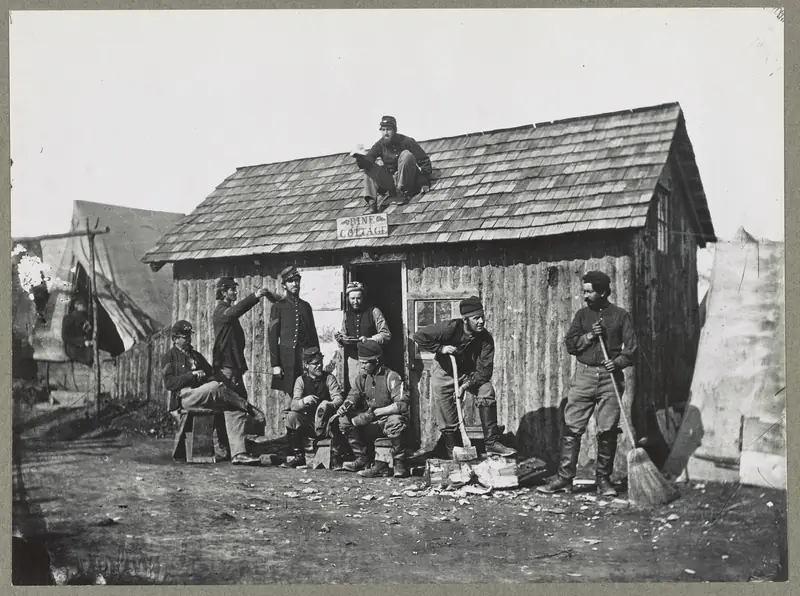
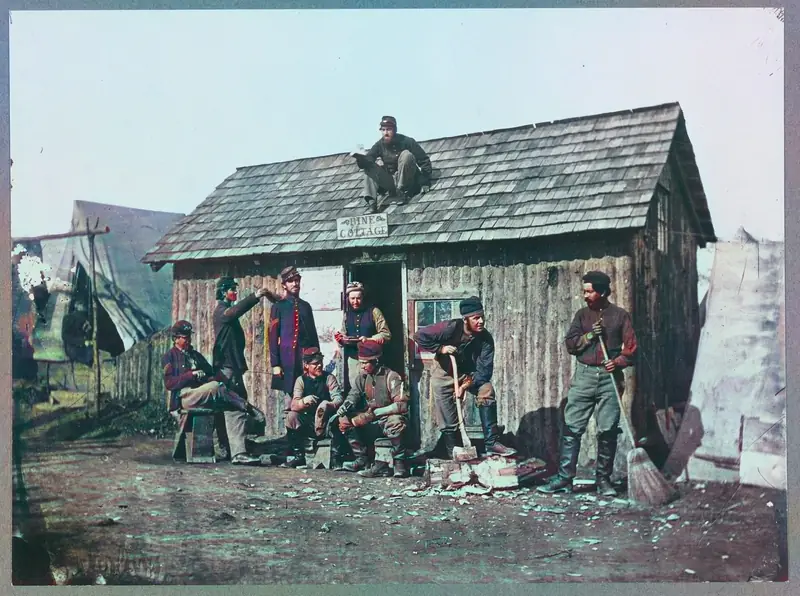 BeforeAfter
Era colour notes
- Most WW2 uniforms were olive drab, khaki or field grey, so expect muted greens and browns rather than bright colours.
- Brass buttons, insignia and medal ribbons were colourful in life, but the colour engine can only estimate them. Check ribbon colours against a reference chart if accuracy matters.
- Studio portraits from the 1940s were often retouched by hand, so skin can look smoother than in candid camp photos.
Tips
- Scan the print at 600 dpi or more, or photograph it flat in daylight without glare.
- Use the Natural preset first; Old film gives a softer, period look.
- If the print is creased, run the repair brush over the lines before colorizing.
Questions
Will the uniform colours be historically correct?
Not guaranteed. The colours are AI estimates based on how similar scenes usually look. For exact uniform or ribbon colours, compare with a reference and treat the result as an interpretation.
Can I colorize a whole album of service photos?
Yes. Add several photos and let them run one after another. Pro adds a batch queue that keeps going in the background.
Related guides
- Colorize old military portraits and camp photos
- Colorize old photos of your grandparents
- Colorize tintypes and daguerreotypes
- Colorize old 1920s wedding photos
- Colorize old 1950s family photos
- Colorize old school class photos
- Colorize old 8mm and Super 8 home movies
- Colorize old street scenes and city photos
- Colorize old photos of farms and village life